
INSTRUCTION MANUAL
DNN991HD/ DNN9710BT
CONNECTED NAVIGATION SYSTEM
INSTRUCTION MANUAL
CONNECTED NAVIGATION SYSTEM
You can enlarge Playback screen for DVD and VCD.
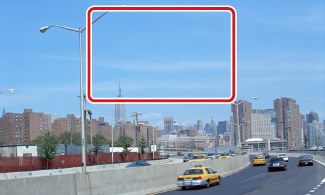
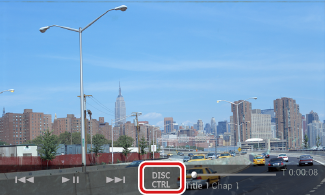
Movie control screen appears.
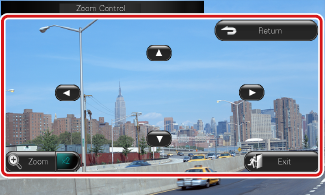
Zoom Control screen appears.
|
NOTE
|
|
Switches zoom ratio |
|
Touch [Zoom]. For DVD, changes the zoom ratio at 4 levels; Off, 2 times, 3 times, 4 times. For VCD, changes the zoom ratio at 2 levels; Off, 2 times. |
|
Scrolls the screen |
|
Touch [R], [S], [C], or [D] to scroll the screen in the direction you touch. |
|
Exits menu control |
|
Touch [Exit]. |
|
Displays the previous menu* |
|
Touch [Return]. |
* This function may not be performed depending on the disc.
|
NOTE
|


© 2014 JVC KENWOOD Corporation