Turning on the Unit
- Press the
 /
/  button.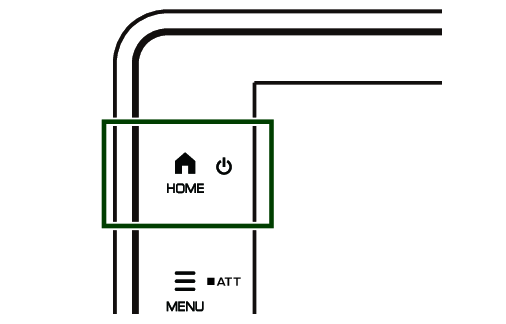
- The unit is turned on.
NOTE
- If it is your first time to turn the unit on after installation, it will display Caution interface. Please check the information and touch [Agree].
To turn off the unit:
- Press and hold the / button.
- The unit is turned the power (screen, audio, and button illumination) off.