Operations during a call
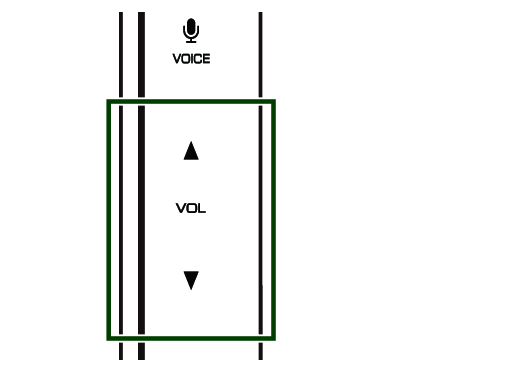
Adjust the receiver volume
Press R to increase, and press S to decrease.
Speech Quality Adjust
Touch  .
.
- [EC LEVEL]
- Adjust the level of echo cancellation.
- [NR LEVEL]
- Reduce the noise generated in the surrounding environment without changing the microphone volume. Use this function when the voice of caller is not clear.
- [MIC LEVEL]
- Adjust the level of microphone gain.
Mute your voice
Touch  to mute or not to mute your voice.
Switching between speaking voice output destinations
Touching  each time switches speaking voice output destinations between the smartphone/cell-phone and the speaker.
Viewing call records during a call
Touch  to enter the call record list. Touch on a contact person to directly make the second call.
Viewing contacts during a call
Touch  to enter the contact list. Touch on a contact person to directly make the second call.
Output the dial tone
Touch  to display the tone input screen. You can send tones by touching desired keys on the screen.
Call-waiting
When you receive a new call while talking on the phone, you can answer the newly received call by touching  . The current call is put on hold. Touch the caller name or
  , the caller will change to the other one.
When you touch  , the current call will end to be switched to the call waiting on hold..