Touch screen operations
To perform operations on the screen, you need to touch, touch and hold, flick or swipe to select an item, display a setting menu screen or change pages.
Touch
Touch the screen gently to select an item on the screen. |
|

Touch and hold
Touch the screen and keep your finger in place until the display changes or a message is displayed. |
|

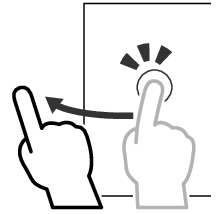
Flick
Slide your finger quickly to the left or right on the screen to change the page. You can scroll a list screen by flicking up/down on the screen. |
|
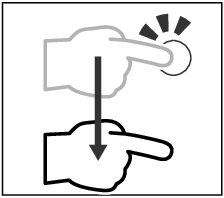
Swipe
Slide your finger up or down on the screen to scroll the screen. |
|